








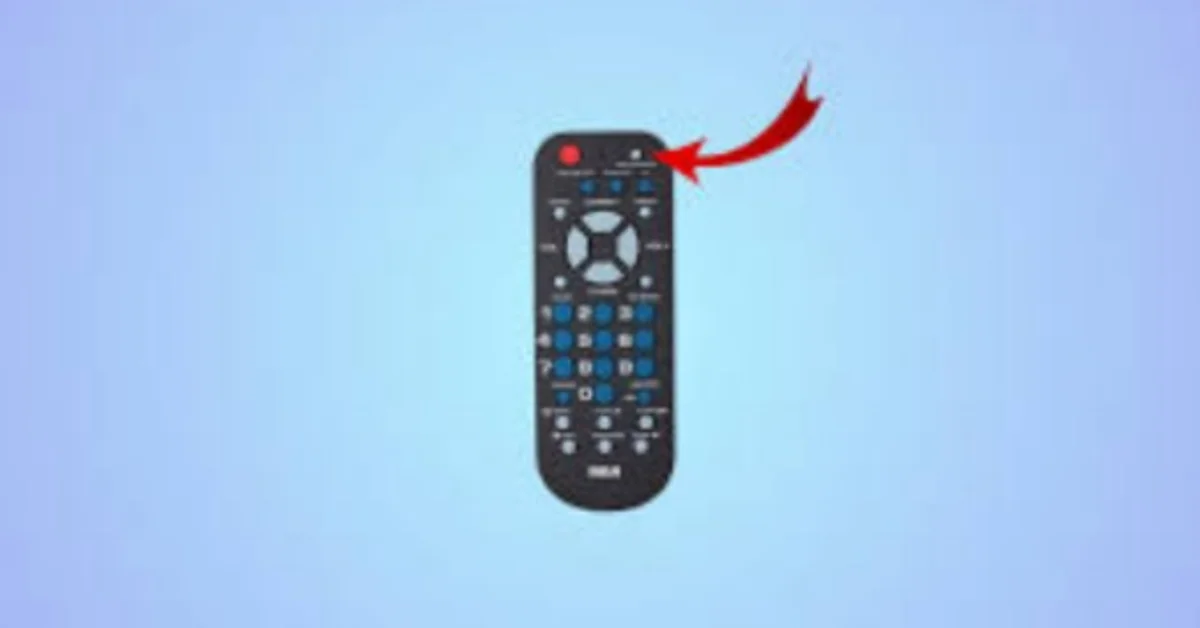
Using a universal remote to control your RCA TV can simplify your entertainment setup and eliminate the clutter of multiple remotes. However, to make it work, you need the correct RCA TV codes. These codes allow your universal remote to communicate with your TV and perform functions like changing channels, adjusting volume, or turning the TV on and off.
In this guide, you’ll learn how to find RCA TV codes, program your universal remote, and troubleshoot any issues to get your devices working seamlessly.
Why You Need RCA TV Codes
A universal remote can control multiple devices, but each device brand has specific codes that allow the remote to sync correctly. Without the right code, the remote won’t function properly. Using the correct RCA TV code ensures that your remote can:
- Power your TV on and off
- Adjust the volume and mute
- Change channels
- Navigate menus and settings
- Control playback for connected devices
How to Find RCA TV Codes
RCA TV codes are usually 3- or 4-digit numbers provided in the manual of your universal remote or listed on the manufacturer’s website. Common sources for these codes include:
- The RCA universal remote manual
- RCA’s official website
- Online universal remote code databases
Some frequently used RCA TV codes for universal remotes include
- 001, 016, 011, 175, 106, 014
Note: Depending on your TV model and universal remote type, codes may vary.
Step-by-Step Guide to Program RCA TV Codes
Step 1: Prepare Your RCA Universal Remote for Programming
- Insert fresh batteries into your universal remote.
- Turn on your RCA TV.
- Keep the remote close to the TV for accurate signal transmission.
Step 2: Enter Programming Mode
- Press and hold the Setup button on the universal remote until the indicator light stays on.
- Press the TV button to indicate you want to program a television.
Step 3: Input Your RCA TV Code
- Using the number buttons on the remote, enter your RCA TV code.
- If entered correctly, the indicator light should turn off.
- Test the remote to confirm it controls the TV.
Step 4: Use the Auto-Search Method if Codes Don’t Work
- Turn on the TV and press Setup, then the TV button.
- Press the Power button repeatedly until the TV turns off.
- Press Enter or Setup to save the code.
Common RCA TV Codes for Universal Remotes
people can also red this;Introduction to Coststatus: Your Ultimate Business Finance Partner
Here’s a quick list of popular RCA TV codes that work with many universal remotes:
- RCA TV Codes (3-digit examples): 001, 014, 016, 036, 106
- RCA TV Codes (4-digit examples): 1750, 1777, 1872
Tip: Always check your universal remote manual, as code compatibility may vary depending on the model and manufacturing year of your TV.
Troubleshooting Your RCA TV Codes
Occasionally your universal remote may not work as expected. Common solutions include:
- Remote is not working: Replace the batteries or check battery alignment.
- TV not responding: Try another RCA TV code or use the auto-search feature.
- Limited functionality: Some older RCA TVs may only support basic commands.
- Signal interference: Make sure nothing is blocking the infrared signal between the remote and TV.
Tips for Using Your RCA Universal Remote Effectively
- Keep a list of working RCA TV codes for future reference.
- Always point the remote directly at the TV.
- Replace batteries regularly for optimal performance.
- Program multiple devices on one remote for convenience.
Conclusion
Finding the correct RCA TV codes for your universal remote is crucial for a smooth and convenient home entertainment experience. By following this guide, you can program your remote, control your RCA TV, and troubleshoot common issues. Whether you want to simplify your setup or replace multiple remotes with one, knowing the right codes makes it easy to take full control of your TV.
FAQs
What are RCA TV codes for universal remotes?
They are 3- or 4-digit numbers that allow a universal remote to control RCA TVs.
How do I program my universal remote with RCA codes?
Enter programming mode, select the TV button, input the RCA code, and test the remote.
What if my code doesn’t work?
Try a different code from the list or use the auto-search method.
Can one universal remote control multiple devices?
Yes, it can control TVs, DVD players, and other electronics if programmed correctly.
Where can I find RCA TV codes?
Check your remote’s manual, RCA’s website, or online universal remote code databases.
For more updates visit: OPEN POSTS


1 Comment
Pingback: Funny Euphemisms to Call Someone Dumb